AI For Instagram, Blogs, And Newsletters
Creating fresh, engaging content for Instagram, blogs, and newsletters can eat up more time than people expect. I know how tough it is to capture attention and get your voice out there without hitting burnout. AI tools have made this whole process way easier. Instead of staring at the dreaded blinking cursor, you can use AI to jumpstart ideas, fill in those tricky gaps, and help your work flow across platforms without reinventing the wheel every time.
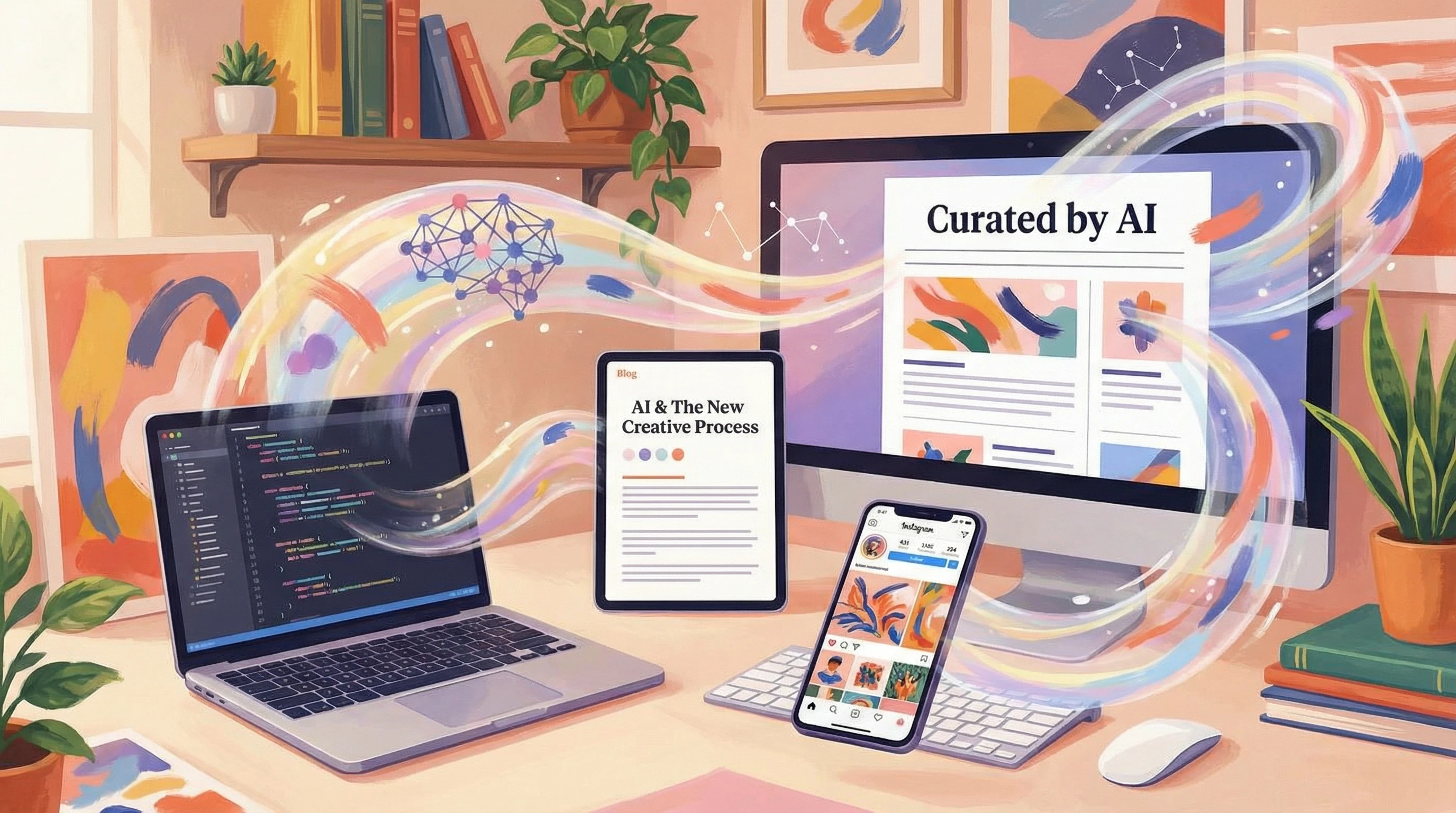
How AI Can Make Content Creation Easier
Before getting into it, it helps to understand why AI has become so popular for social media, blogs, and email newsletters alike. These tools can save tons of time. They don’t just spit out robotic text; they actually help you brainstorm ideas, organize your outlines, and give you something to riff on so you can keep your unique style front and center.
For Instagram, an AI caption helper can switch up your voice between promotional, fun, or educational in seconds. For blog writing, AI can outline, summarize, or expand your posts based on simple bullet points. Newsletters get the AI boost with punchy subject lines and neatly structured updates, making sure your message isn’t lost in the chaos of the inbox.
This AI wave has been growing lately. According to Business of Apps, investment in AI-powered content tools keeps rising. Everyone from solo creators to big companies is picking up on the benefits, and this whole area is only getting more accessible and diverse.
Lately, many creators have noticed that AI is offering fresh features, like language translations for global audiences or image and video suggestions for reels and stories. These added features step up the whole content creation process, making it easier to experiment with new formats and reach broader audiences.
Getting Started with AI for Social and Content Marketing
You don’t need to be a tech wizard to start using AI in your workflow. Most tools are built with beginners in mind and work right in your browser. I started off exploring free caption generators for Instagram, then broadened out to blog post assistants and newsletter subject line testers. It’s pretty straightforward and you can start with whatever channel you use the most.
Here’s a handy rundown of what some of these tools can do:
- AIPowered Caption Generators: Suggest catchy text, call to actions, and hashtags to get your Instagram posts noticed.
- Outline and Draft Wizards: Take a few key points and turn them into rough drafts for blogs or newsletters.
- Repurposing Tools: Transform a long blog post into a short newsletter blurb or carousel content for Instagram.
- Subject Line Optimizers: Give you several headline options to see what sounds the most clickworthy; super useful for newsletters.
For anyone feeling stuck, these tools act as a jump-off point rather than a strict recipe. You choose what works and shape things with your own voice, so your content feels fresh and original.
Step-by-Step Guide: Adding AI to Your Content Process
Getting rolling with AI means building a base workflow. I find it works well to start with your strongest content type and let AI handle the rest. Here’s my usual method:
- Brainstorm Your Main Idea: If I’m starting with a blog post, I’ll jot down my topic and key points. For social media, it might just be a product photo and a call to action.
- AI Outlines the Structure: Paste your idea into an AI outlining tool. It churns out a draft or list of points you can rearrange or expand.
- Draft First Versions: Use AI to expand each section. For newsletters, I’ll have AI write summaries, intros, and closing lines. For Instagram, it suggests captions in my desired tone.
- Edit to Match Your Voice: Always read through what AI produces and tweak the style. This is where you add in your personal stories or business vibe.
- Repurpose Smartly: AI repurposing tools are lifesavers. I’ll ask it to create an Instagram carousel from my blog, or stretch a social post into a newsletter intro.
This approach saves hours and keeps messaging consistent, which is really important if you’re managing more than one channel. Additionally, you can use AI to spot lingering gaps or suggest links so you don’t miss cross-promotion opportunities across platforms.
What to Consider Before Leaning into AI for Content
Jumping all in with AI doesn’t make sense for everyone. Here are a few things I always consider before giving content the green light:
- Your Brand Voice: AI can mimic tone, but you want to double-check that the messaging feels like you. Small tweaks make a difference.
- Originality: Content that sounds too generic or formulaic won’t stand out. Use AI as a rough draft, not the finished product.
- Data Privacy: Some tools require uploads or logins. I make sure to read what’s being stored or tracked, especially when dealing with customer info.
- FactChecking: AI sometimes gets facts wrong or makes assumptions. A real human review before publishing is key for trust and accuracy.
Maintaining Your Voice
AI is pretty good at picking up styles if you feed it examples, but your real advantage is personal connection. I always go back through newsletter drafts and Instagram captions and add in phrases or stories that only I’d use. It closes the gap between automated and authentic.
Avoiding Copycat Content
Because so many people use similar AI tools, content can start to look and sound the same. Swapping out stats for your own insights or adding unique examples helps keep things fresh. Try referencing real experiences or including stories from your niche to make each piece truly yours.
DoubleChecking Everything
Even the fanciest AI programs can get things wrong. From time to time, I’ve spotted errors with event dates or misquoted brands. Reviewing each draft before sharing is a safe move. When in doubt, take a moment to reach out directly to sources or revisit details for accuracy.
Advanced Tips for AI-Assisted Content Creation
Once you’re familiar with the basics, there’s room to have fun and get creative with AI in your process. Here’s how I make the most of these tools:
Batch Your Content: Knock out a whole week of captions, blog headers, or newsletter snippets in one go. AI can adapt to themes and even suggest connections between pieces.
Mix and Match Tools: Sometimes I use one AI tool to outline blog posts and another to test Instagram captions. Mixing their outputs gets me more varied ideas and stronger results.
Use Data for Content Decisions: Some AI tools track engagement for you. I’ll check which headlines or captions do best and use this info to guide the next batch. Testing and tweaking with AI can grow your audience faster than trial and error alone. Checking analytics over a few months helps fine-tune your approach.
Personalize at Scale: If you’re running a newsletter, AI lets you customize recommendations or intros so readers feel like you’re talking directly to them, even if you have hundreds on your list.
Adding these strategies helps you stand out not only in crowded feeds and inboxes but also in longer form content. You can even get creative by asking AI to help brainstorm future trends, generate infographics, or suggest video scripts to round out your marketing mix.
Popular Use Cases and RealLife Examples
AI isn’t just for giant marketing teams. Individuals and small teams are getting more done thanks to these tools. Here’s where I see AI making a real impact:
- Instagram “Mood Boards”: AI clusters keywords and photo ideas for future posts. If you want a fresh look, these tools can suggest color palettes and even image ideas for next week’s theme.
- Newsletter Story Arcs: Organize content into themes that build each issue. AI can help shape a four-week series into weekly topics so you don’t repeat yourself.
- Blog Series Planning: Turn one big topic into a series of posts. AI lays out the structure and gives headline options for each section; a big timesaver for educational content.
For example, I once used AI to turn a lengthy blog tutorial into a set of five Instagram posts and two newsletter issues, all while keeping the messaging and visuals cohesive. My readers loved it and it helped keep engagement up on every channel.
Another friend of mine runs a local bakery. Using AI, she quickly whips up weekly email blasts featuring product highlights, sneak peeks, and fun facts about ingredients. This not only saves her time but also strengthens her relationship with her audience, proving that you don’t need a big brand to get results from smart tech.
Frequently Asked Questions About Using AI for Content Creation
Curious creators and small business owners ask me these questions all the time:
Q: Can AI really sound like me?
A: Yes, if you give it a few sample posts or emails, you’ll notice big improvements in tone. The best results come when you fine-tune drafts yourself.
Q: Will using AI for content hurt my search rankings?
A: Not if your content is high-quality and helpful. Google rewards value, not how the words get written. I always review and edit to add my unique insights.
Q: What’s the easiest AI tool to start with?
A: Caption generators for Instagram or headline testers for newsletters are simple and give quick wins. Most are plug-and-play and require almost no setup.
Bringing AI Into Your Content Game
AI helps remove a lot of friction from writing, especially if you’re working solo or with a lean team. It’s there to support your ideas, not replace your creativity. Trying out new tools and keeping your editing touch will make each Instagram post, blog entry, and newsletter your own, and you can do it all without the extra late nights and stress.
The potential for AI in content creation keeps growing, so there’s plenty of room to experiment. If you’re just starting, pick one tool and put it to work for your next project. You might be surprised how much easier sharing your voice becomes. And remember, the key to success with AI is keeping your content authentic, original, and always double-checked for quality—so don’t be afraid to make the process your own as you go.